
Build It Like a Pro 🔨
From "I have an idea" to "I built it!" in minutes. Get personalized project plans, exact supply lists, and foolproof step-by-step instructions — no expertise required.


How to Use This App
Follow these simple steps to create and manage your DIY projects
1. Create a Project
Type your DIY idea below or pick from AI suggestions. The app will generate a complete plan with supplies and instructions.
2. Use Templates
Browse ready-made templates in the Templates tab at the top for quick-start projects you can customize.
3. Track Materials
Use the Inventory tab to manage your materials and supplies across all projects.
4. View Analytics
Check the Analytics tab to see your project stats, completion rates, and get AI recommendations.
🔨 DIY Inspiration
From workshop to finished project — get inspired to build

A well-stocked maker space ready to build
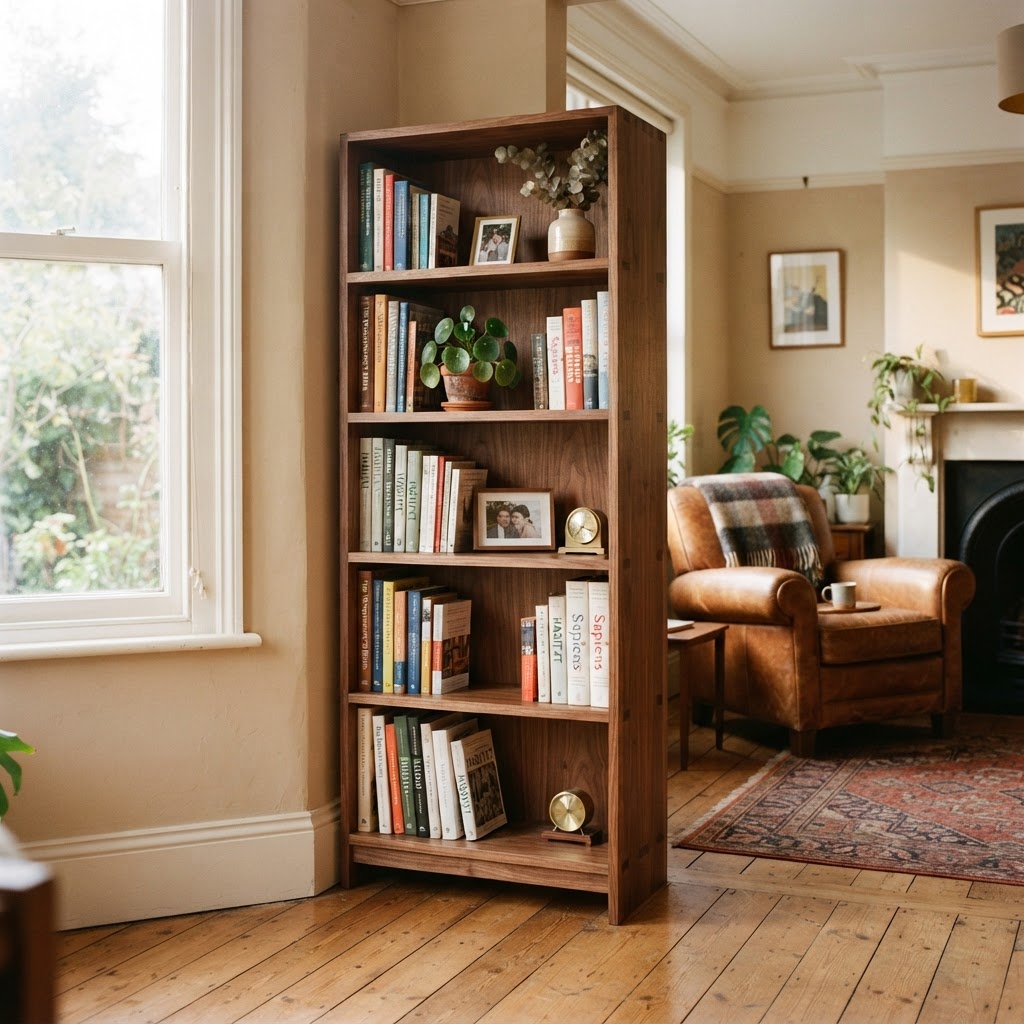
A finished DIY bookshelf — the reward of building it yourself
🎯 Let's Build Something Amazing
Just tell us what you want to build - we'll handle the rest!
How to Create Your First Project

Type your DIY project idea in the text box (e.g., "Build a wooden bookshelf")

Click "Generate Project Plan" and AI creates your custom guide instantly

View your supply list, instructions, time estimates, and cost breakdown

Click any project to view details, edit, track progress, and manage budget
💡Pro Tip: Stuck for ideas? Check out the AI Suggestions box on the right for instant inspiration!
What do you want to build?
Describe your DIY project idea
Describe your project above, then click "Get Matches" to see AI-recommended templates
My Projects
All your created projects will appear here
No projects yet
Use the project builder above to create your first AI-generated DIY project plan.
Ready-Made Templates
Start with proven projects - just click and build
Other
Create a fun and unique bean bag toss game, perfect for kids and outdoor playtime. This DIY project combines creativity and teamwork, ensuring hours of entertainment in your backyard.
Crafts
Craft a beautiful bohemian-style macrame wall hanging to add texture and warmth to any room
Home Improvement
Install a stylish tile backsplash to protect walls and upgrade your kitchen
Woodworking
Build sleek floating shelves perfect for displaying books, photos, and decorative items
Electronics
Create a modern LED-backlit mirror with touch controls for your bathroom or vanity
Gardening
Construct a durable raised garden bed for growing vegetables and herbs
Other
Create a beautiful 12"x12" shadow box to display your cherished memories or collectibles. This project is perfect for adding a personal touch to your home decor or as a thoughtful gift.

